Organize recordings by day without doubling storage for a same-disk copy
A folder full of recordings is hard to scan when you need one session from last week. Since Fiklo 0.9.58, new recordings go into folders named for the day. You can also choose where Fiklo saves them. Since 0.9.59, changing that location copies existing projects. On the same APFS volume, those copies can share file data with their originals instead of immediately using twice the space.
Give every recording a date you can see in Finder
Open Settings and choose a location under Recordings. You can select a folder or create one on your Desktop. If you leave the setting alone, Fiklo uses ~/Movies/Rolka. Each new recording gets a day folder named YYYY-MM-DD, followed by its own folder with the date, time and an identifier. You can locate a day’s work without opening every project.
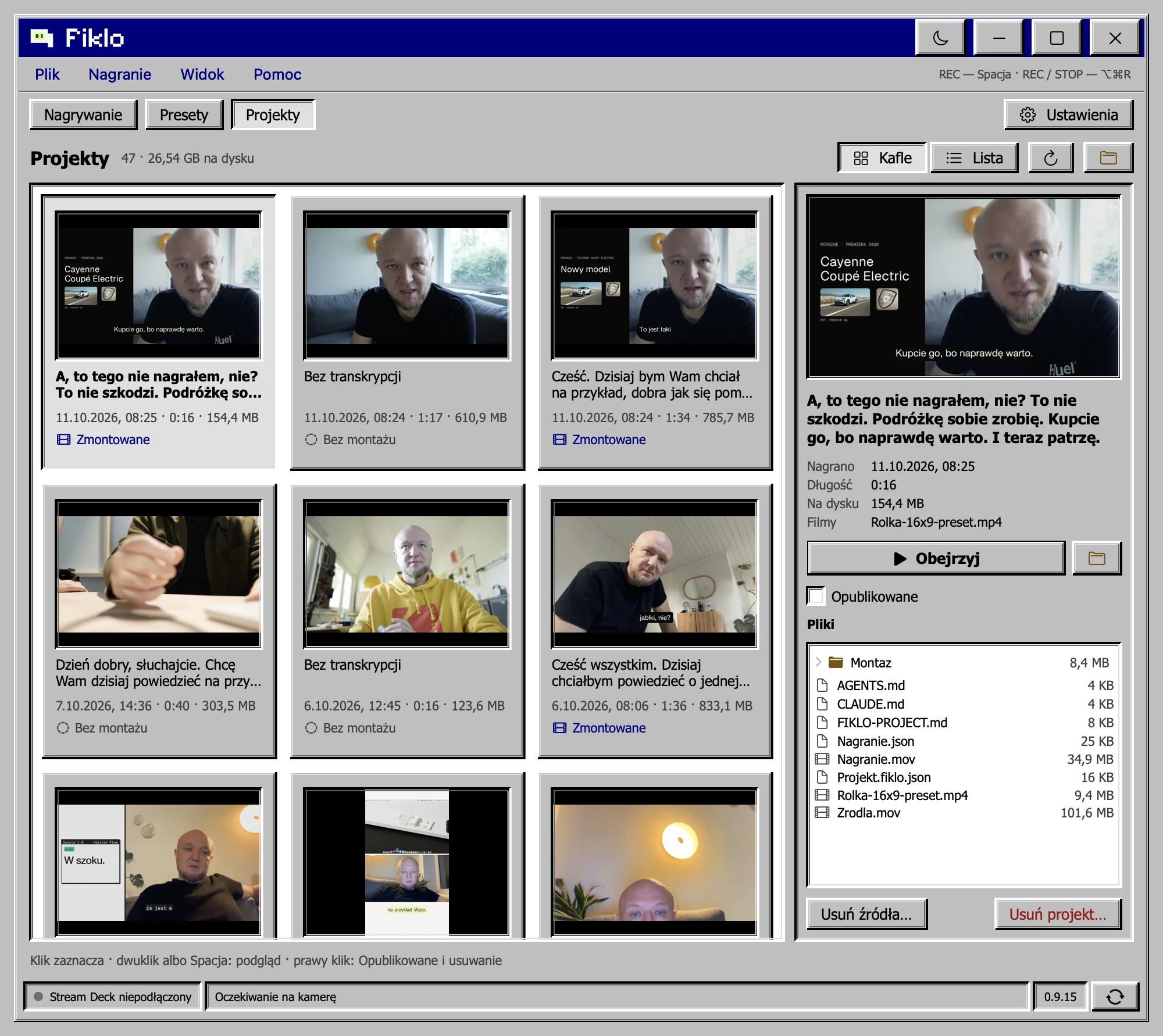
Fiklo does not rearrange older recordings into dated folders. The Projects tab reads both the older flat layout and the new day folders. For finding a finished video by its preview frame, read the separate guide to the Projects tab. This change concerns the files on your Mac.
Let Fiklo copy projects when you change locations
Choose a new recording location and Fiklo copies existing projects there. It shows progress and pauses the start of a new recording until the copy finishes. It checks each copied project before making it visible in the destination. A project should appear only once in the app while the locations change.
The originals stay in the previous location. Once copying finishes, Fiklo points to that folder and shows how much space it uses. Check the new copies and the files you need before removing the old folders yourself. Changing the location does not delete them.
Know when a copy shares storage
On the same APFS volume, macOS can clone files. At first, the clone shares data with the original, so copying does not allocate another full set of file contents. Later edits to either copy can use more disk space. A different disk needs enough free space for a full copy.
Fiklo is in closed beta for Apple silicon Macs running macOS 14 or later. Join the waiting list.