Less setup. More recording.
On choosing takes, making your first videos and avoiding work you can handle while recording.
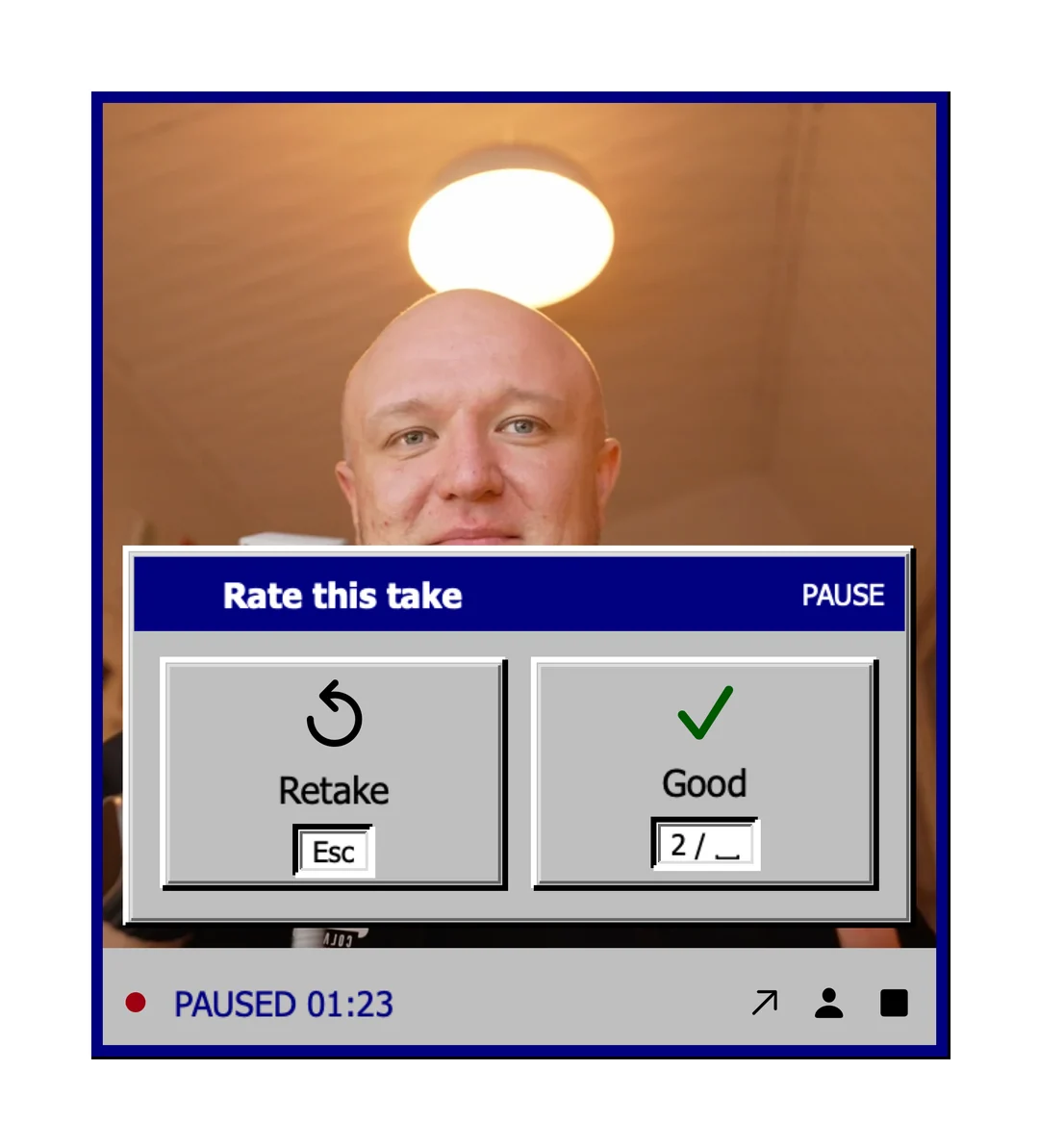
Quick edit in Fiklo: good takes, captions and your look in one tile
Fiklo 0.9.57 adds a Quick edit tile that assembles your good takes, makes captions locally and applies your look. See what to review before publishing.
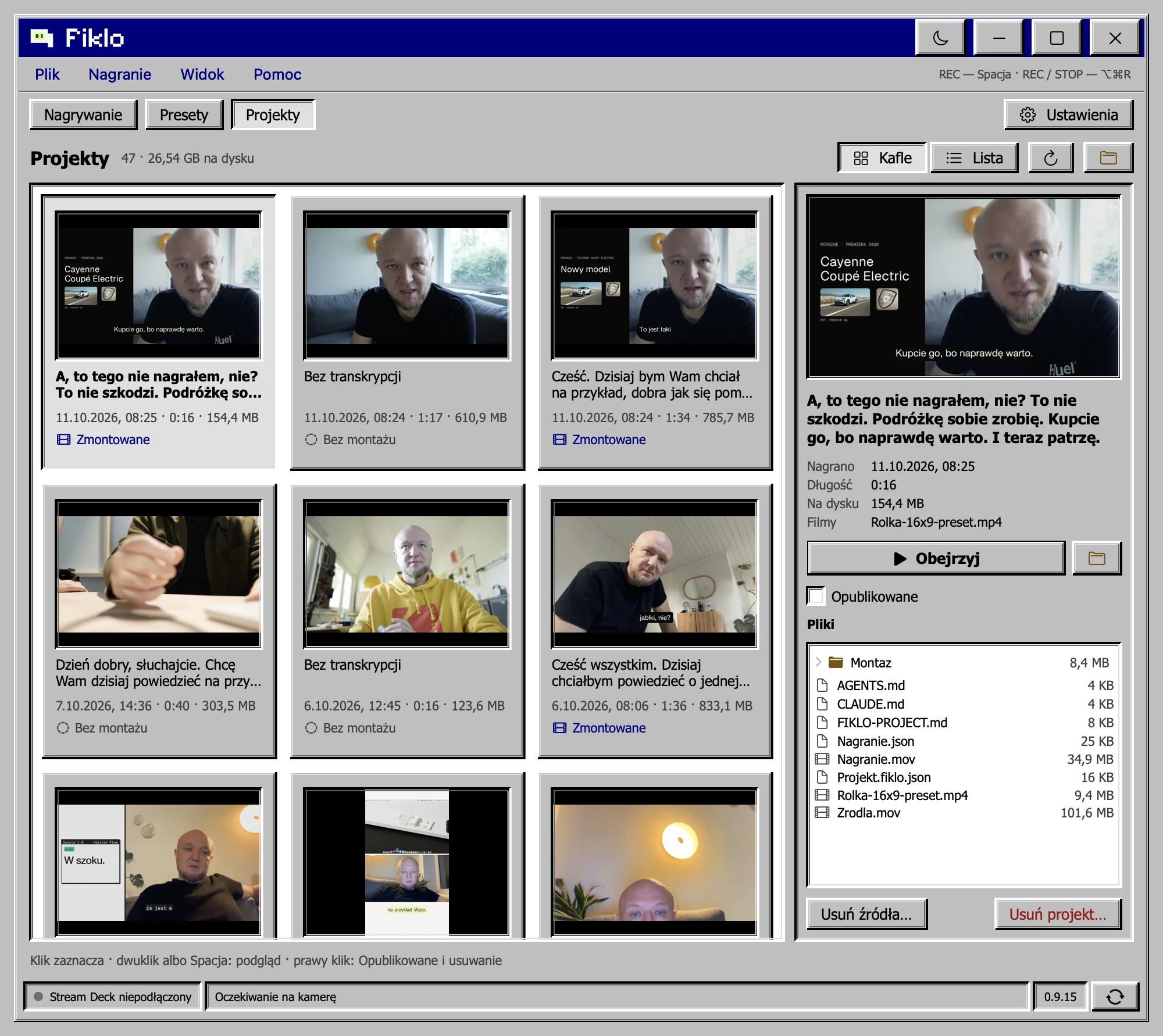
Organize recordings by day without doubling storage for a same-disk copy
Fiklo puts new recordings in dated folders. Change the recording location and it copies existing projects; APFS clones on the same volume share file data.
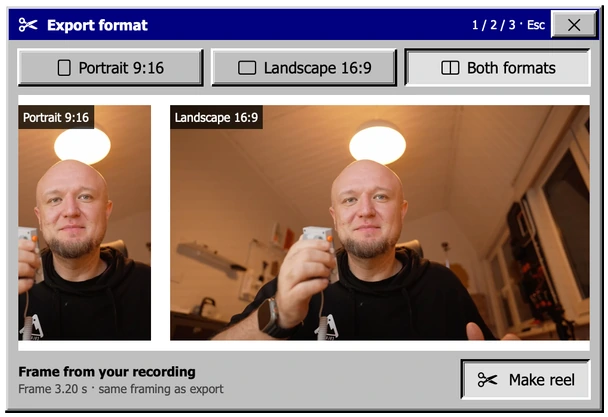
Rotate your camera in Fiklo and keep the full vertical frame
Fiklo 0.9.47 carries camera rotation and mirroring from preview into editing. Set portrait orientation before REC and keep the full camera frame.
All your recordings in one Projects tab: preview, files, cleanup
Organize recordings in Fiklo 0.9.46. Preview finished reels, inspect project files and move source recordings to the Trash while keeping exports.
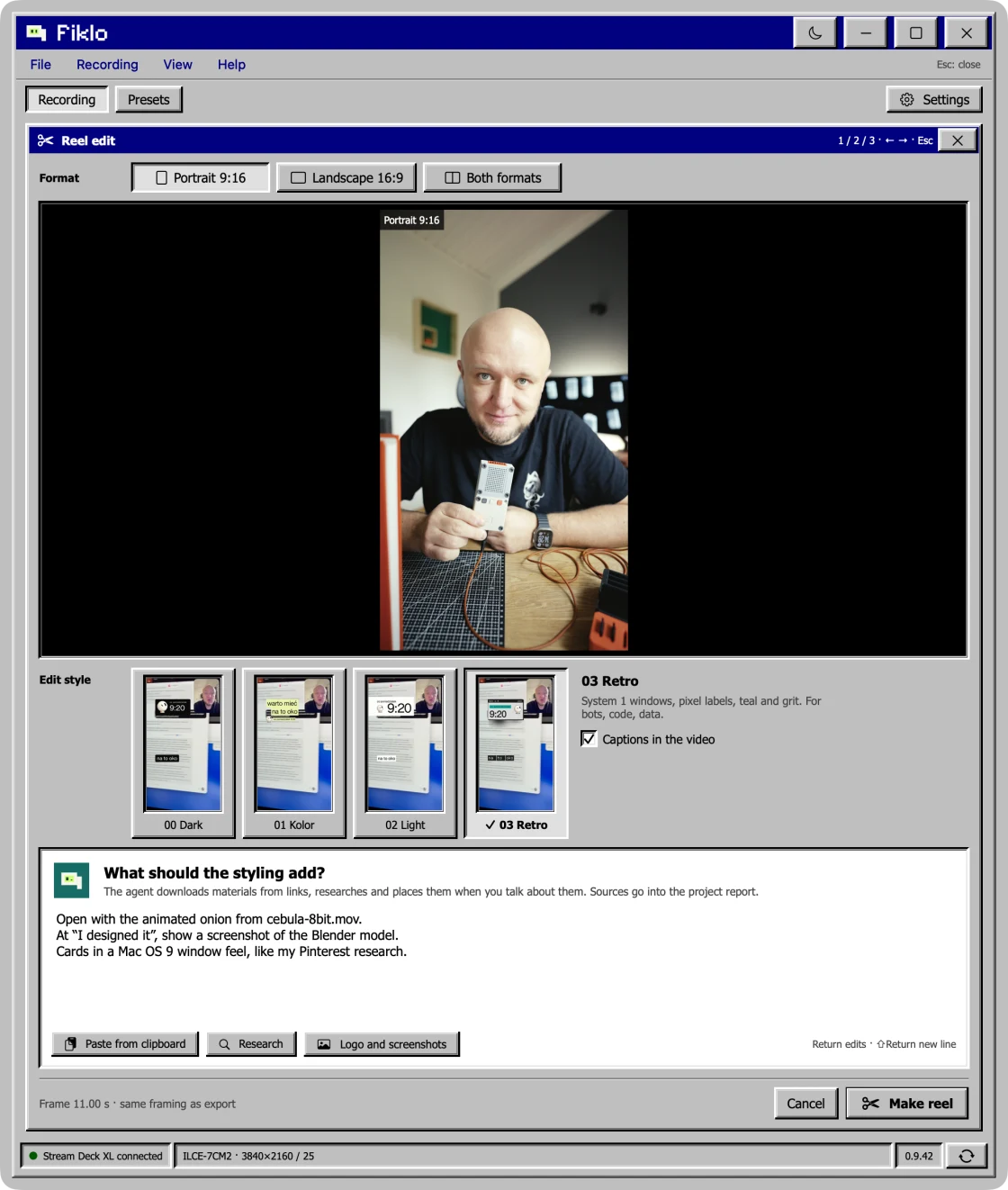
Repeat edits with a saved style template: about 90 seconds in a Fiklo test
A repeat 03 Retro edit in 16:9 took 88 seconds in a Fiklo 0.9.41 test. Learn what a saved style template reuses and where that timing stops applying.
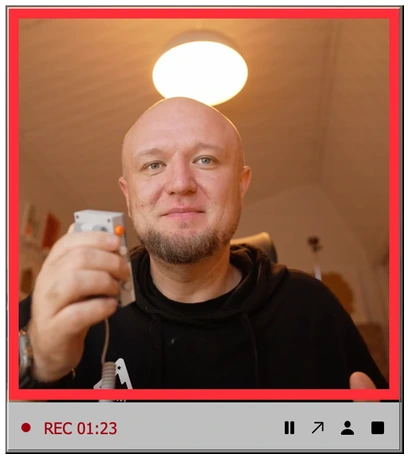
Record your screen and camera for a clearer tutorial
Show the steps and keep your face in view. Record a tutorial in Fiklo, pause between sections and choose the takes before exporting.
Recover an interrupted recording before starting over
Fiklo 0.9.31 can recover saved footage after an app crash. Keep the original files, return to your selected takes and check what survived.
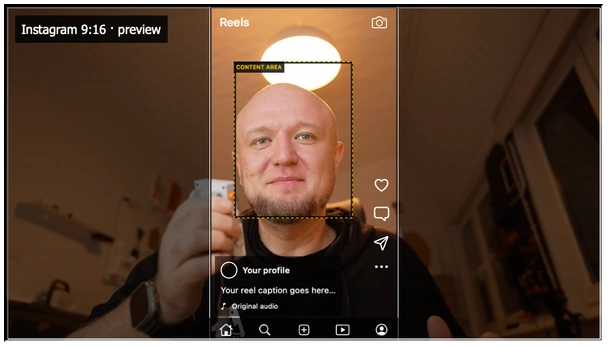
Build a personal brand with simple video
Start with a useful answer and a clear recording. Build a personal brand on video without making editing software your first project.
A content creation workflow with fewer decisions
Record one idea, choose the takes while they are fresh, then export. A practical video workflow for creators who want fewer editing decisions.
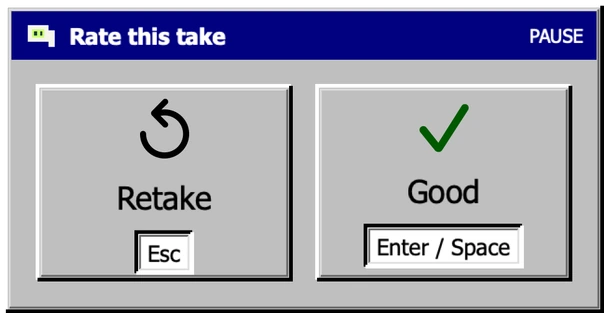
Talking head videos: choose takes as you record
Stop reviewing every take after a recording. Mark the useful ones as you go, assemble them, and check your vertical and landscape exports.