Build a personal brand with simple video
You can begin building a personal brand with a short video that answers a question from your work. You do not need to learn every feature in an editing program first. Start with a clear explanation, an image people can see, and sound they can understand.
A client may ask how to choose a material, price a service, or fix a specific problem. Answer one of those questions as you would in a conversation. You do not need a long introduction or a complete account of your career in every video.
Start with a question you can answer
Choose a question that needs one explanation or demonstration. A consultant could compare two ways to approach a task. An educator could walk through one step on screen.
Plan a simple order: name the problem, give an example, and explain the conclusion. If you need a file for the explanation, open it before you record. Hide customer details and anything else you do not want to share.
A video can help someone understand how you think about your work. Make the answer useful on its own, even if a viewer has never seen your profile before.
Keep recording simple
Place the camera near eye level and record a short test. Listen back before making the full video. If the sound is difficult to hear, adjust the microphone or room before continuing. You can use the camera and screen together when the explanation needs both.
Fiklo records camera, screen, or both locally on a Mac. During the recording, you choose which takes to keep. Fiklo then assembles those selected takes on the device.
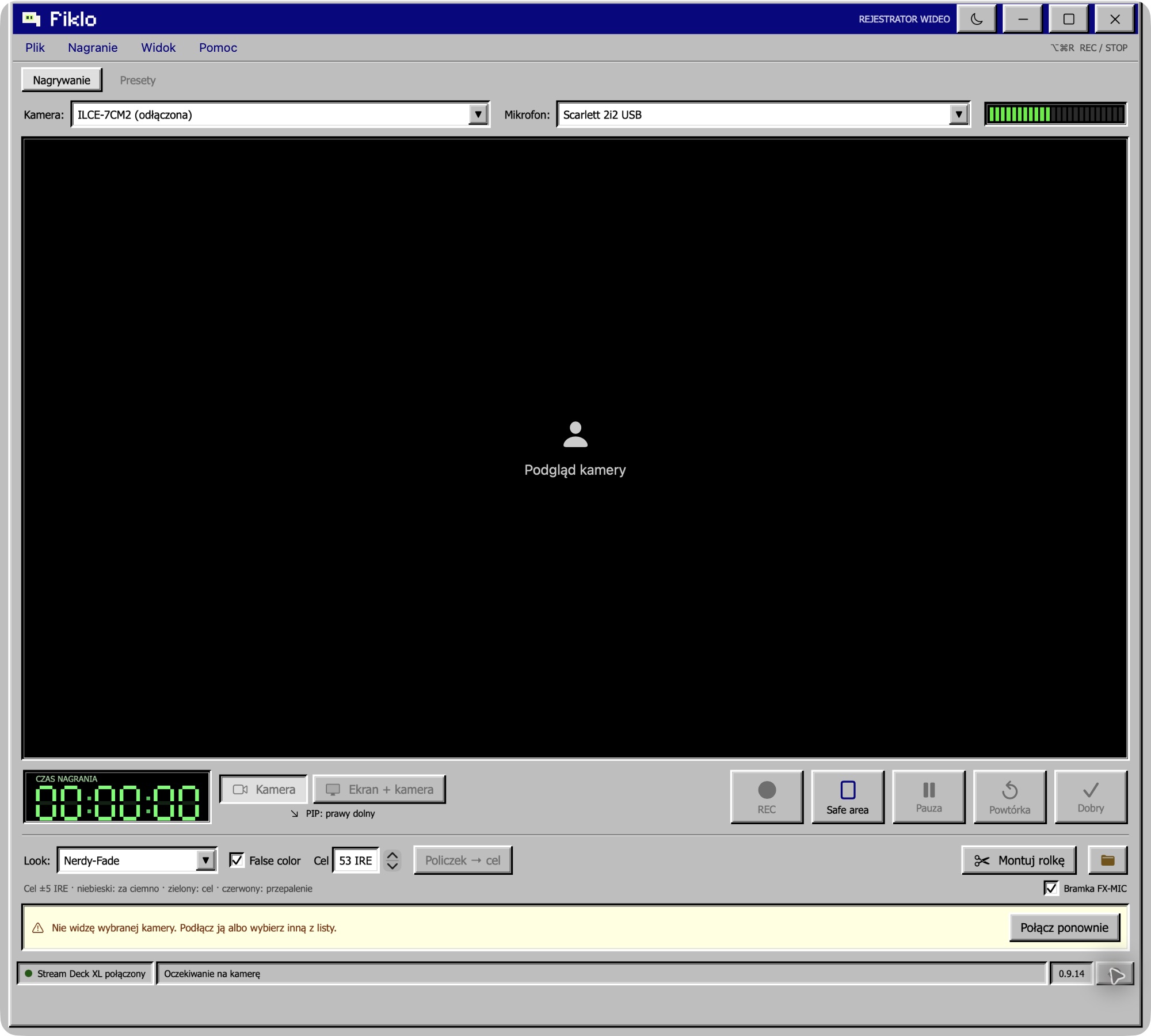
You can use a camera that your Mac recognizes. Sony A7C II over USB and iPhone Continuity Camera are tested setups.
Separate editing from showing up
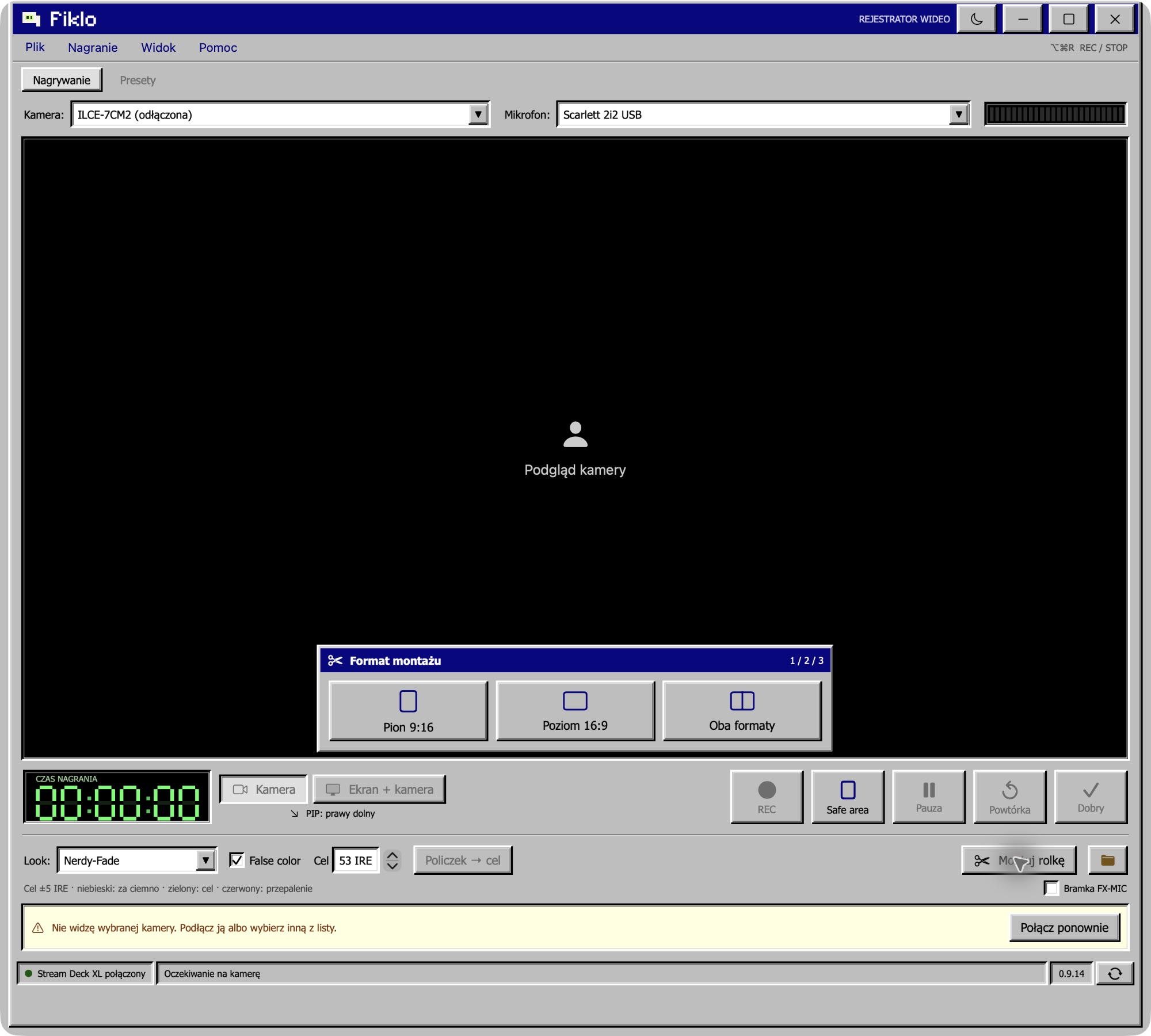
For a straightforward explanation, you can work without learning a full editing timeline first. Fiklo can assemble your selected clips into vertical 9:16 and landscape 16:9 exports in one run. Watch both versions and check that the answer is complete before sharing it.
A specialist editor is still useful for detailed animation, several image layers, precise music timing, or other complex changes. Choose the tool based on what the video needs.
For a repeatable process, read about a content creation workflow with fewer decisions. If you are recording one spoken answer in sections, see how to choose talking-head takes as you record.
Fiklo is in a closed beta for Apple silicon Macs running macOS 14 or later. Join the beta to request an invitation when a place is available.