A content creation workflow with fewer decisions
A repeatable content creation workflow can start with three choices: what you want to explain, what you need to show, and where the finished video will go. Keeping those decisions small makes it easier to begin. You do not need to plan a full content calendar before recording one useful answer.
If the process keeps expanding, look at what happens after you press record. You may be setting up a new editing project, reviewing every version, and exporting formats one at a time. A simple recording routine can keep those steps manageable.
Set the decisions before recording
Choose one question you can answer from your work. Write down the main point and two or three supporting details. If the answer needs a document or a software demo, open it first and remove private information from view.
Use the same camera and microphone setup for similar videos. A short test recording can help you check the framing and sound. You can then focus on the explanation instead of revisiting every setting for each topic.
Keep each video focused on one answer. If you find yourself switching between unrelated points, split them into separate recordings. This gives you a clear way to decide whether the finished video says what you intended.
Choose takes while you record
Record the explanation in sections that each complete one thought. If a take has a mistake or misses an important detail, record that section again. Mark the version you want to keep before moving on, while the difference is still clear to you.
With Fiklo, you can record your camera, screen, or both locally on your Mac. You choose which takes are good. Fiklo assembles the selected clips on the device.
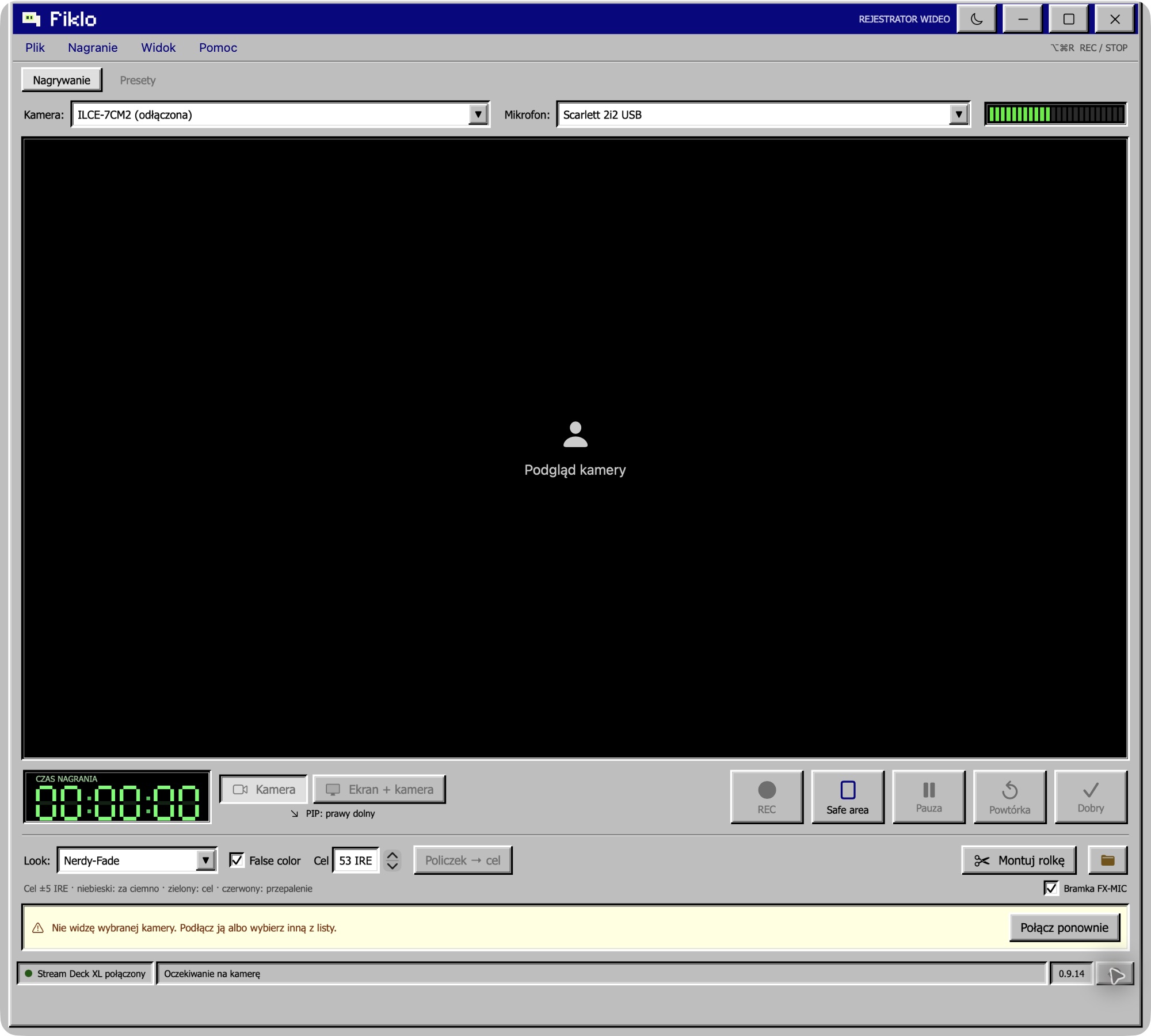
This workflow suits straightforward camera explanations and screen demonstrations. If a video needs detailed effects, several visual layers, or precise music edits, an editing program may still be the right tool. The workflow should fit the material you are making.
Export, review, publish
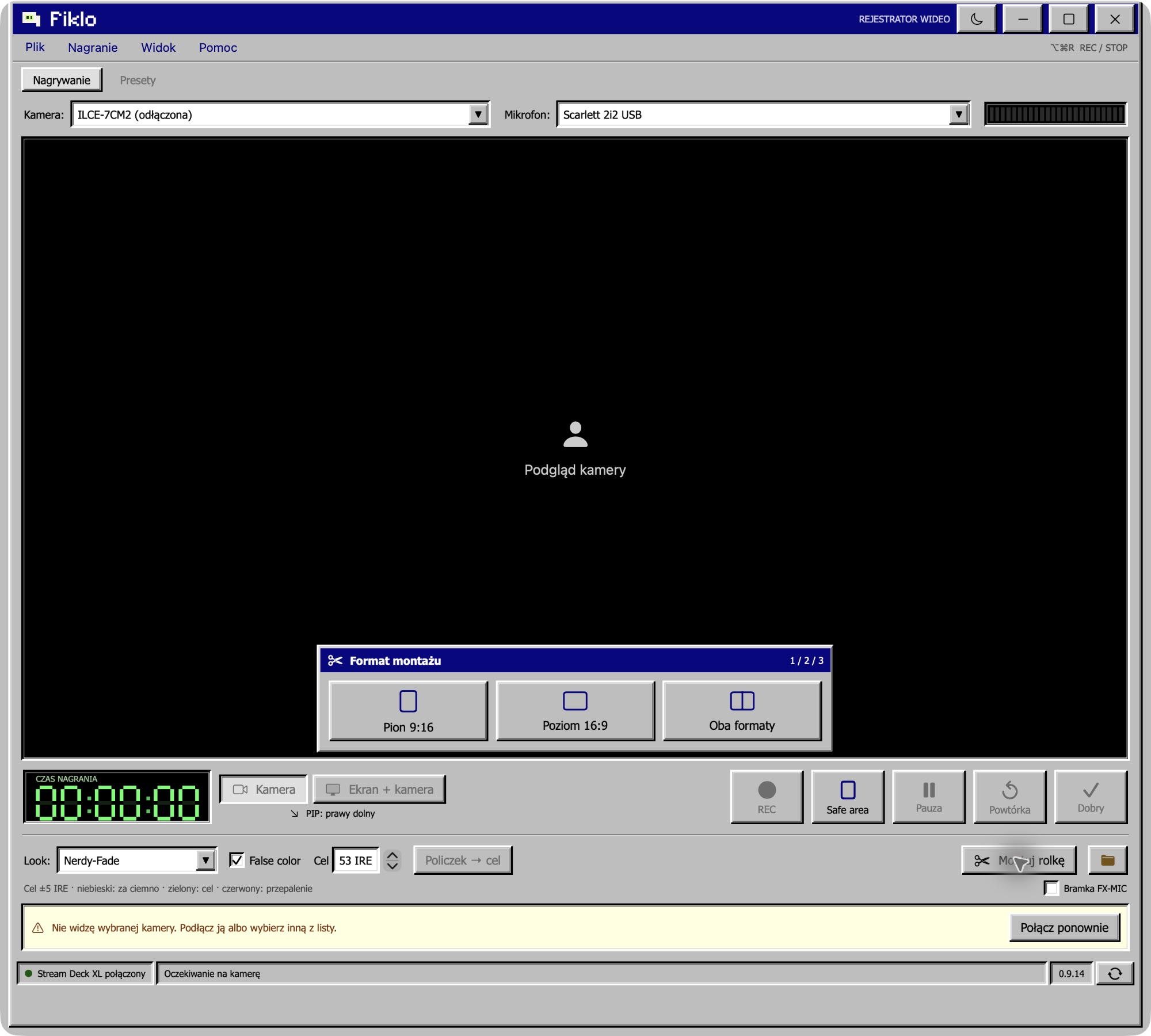
Fiklo can assemble the selected takes into vertical 9:16 and landscape 16:9 exports in one run. Review each file before publishing. Check the order of your points, the joins between takes, the sound, and whether the screen or subject is visible in each format.
Publishing is a separate step. CueWeek integration for sending a finished video to connected social channels is planned, so include your usual description and scheduling steps for now.
For a first topic, see how to build a personal brand with simple video. If you are recording a spoken explanation, this guide to choosing talking-head takes as you record covers the selection step in more detail.
Fiklo is in a closed beta for Apple silicon Macs running macOS 14 or later. Join the beta to request an invitation when a place is available.