Rotate your camera in Fiklo and keep the full vertical frame
Mounting a camera vertically can leave its picture sideways in the preview. Since Fiklo 0.9.47, you can rotate the camera image before REC. Rotation and mirroring carry through to editing, and a portrait camera keeps its full frame.
Start with the picture you want to record. A portrait source lets you compose for a vertical video before speaking. Selecting a vertical export is a separate decision: it sets the shape of the finished movie. Camera rotation sets the orientation of the incoming image.
Set rotation before recording
Choose a 90°, 180° or 270° rotation to match the camera’s physical position. Check that the picture is upright before pressing REC. Look at both your face and anything you plan to demonstrate. A sideways label is easier to catch in the preview than after a full explanation.
Mirroring is a separate setting. If your shot includes writing, read it on screen. Choose the direction your audience should see. From 0.9.47, the edit uses this setting as well as the preview, so treat it as part of preparing the recording.
Compose with the whole portrait frame
A portrait camera keeps its full frame in Fiklo. This workflow starts with a vertically composed shot. Turning an existing landscape recording into a vertical reel involves a different framing decision: which part of the wider picture should remain visible.
With the camera upright, check headroom, hands and the object you are discussing before recording. Leave room for the movement your explanation needs. Rotation corrects orientation; camera position and distance still determine what enters the picture.
You still choose which takes to keep. Mark useful takes as you record, then let Fiklo assemble the selected material locally on your Mac. Camera orientation does not change who makes those choices.
Review the landscape version separately
If you also need a landscape edit, Fiklo lets you position the portrait camera on the right, in the centre or on the left. Review that arrangement on its own. A shot composed to fill a vertical movie occupies a different place in a landscape layout.
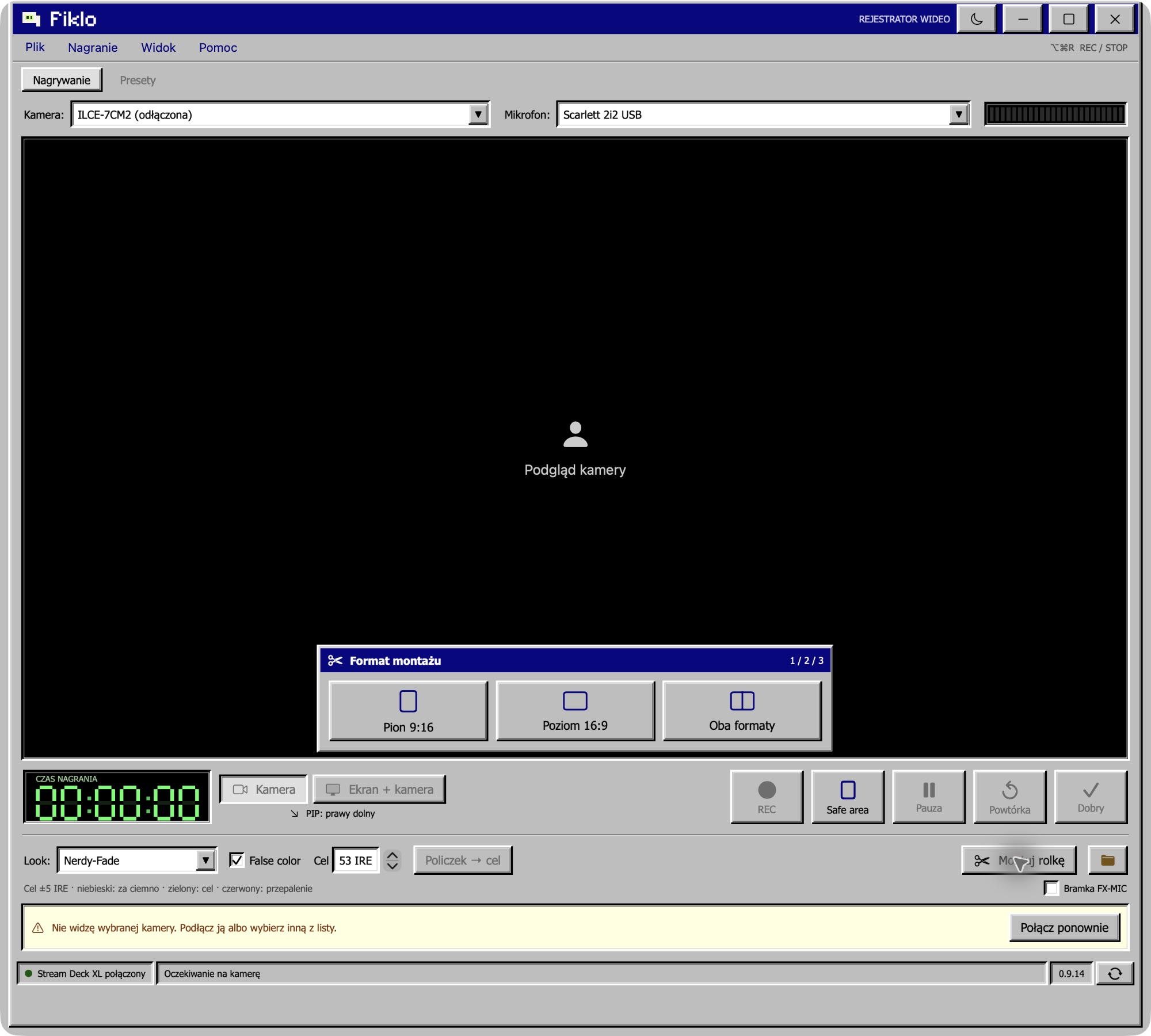
Watch each finished file before publishing. Check orientation, mirrored text and whether the full intended camera frame is visible. More elaborate effects still need a separate editing workflow. Fiklo runs on Apple silicon Macs with macOS 14 or later. Join the closed beta waitlist to request access; signing up does not provide an immediate download.