Quick edit in Fiklo: good takes, captions and your look in one tile
You recorded an explanation and marked the takes you want to keep. In Fiklo 0.9.57, the Quick edit tile assembles those takes, creates captions locally and applies your look. You get a straightforward edit to review before sharing, without setting up a separate visual treatment for each recording.
The tile sits first in Presets and carries a lightning bolt. Your choices still matter: Fiklo uses the takes you marked as good. It does not decide which performance you prefer.
Choose the takes while recording
Mark a take as good when it says what you meant. If you repeat a sentence, keep the version you want in the final video. Quick edit follows those decisions when it assembles the recording.
Captions should not contain words from rejected takes. Review the output anyway, especially after several retakes or manual changes. Our guide to choosing takes as you record covers that first decision in more detail.
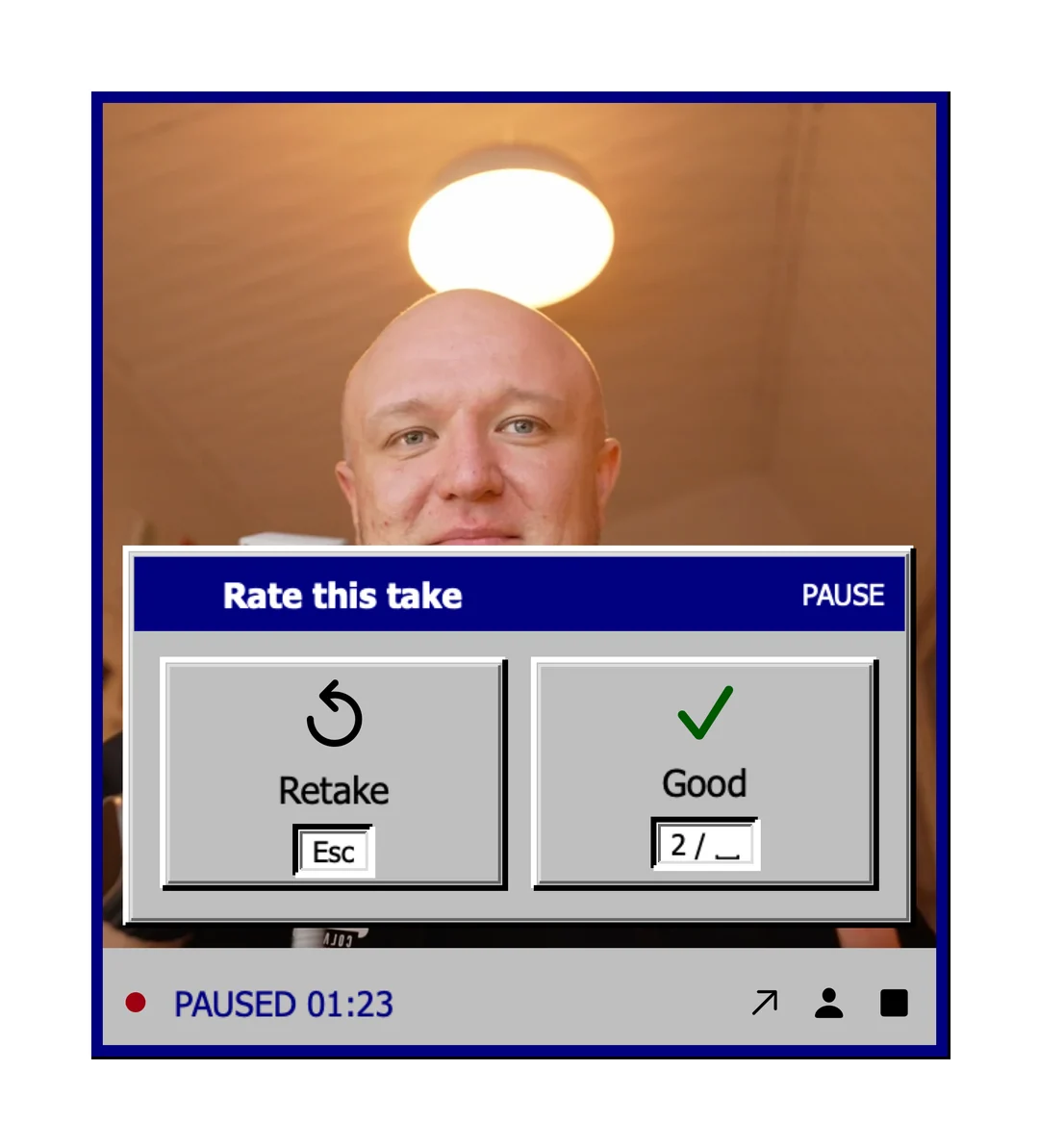
One tile handles cuts, captions and the look
Quick edit joins the good takes and applies your saved look. Local speech recognition creates the captions. You can turn them off when the video does not need them.
The 0.9.57 release also improved word timing. Captions disappear during pauses and the edit ends after the last spoken words. Repeated utterances get another pass so words are less likely to be missed. These changes do not make every transcript perfect. Watch the finished video and check the wording before you publish it.
Use another path for a designed treatment
Quick edit does not add cards or animations. A video that needs a designed treatment calls for a different editing path. Our article on saved style templates explains how a prepared treatment can be reused. Quick edit is the ready tile for takes, captions and your look together.
Fiklo runs on Apple silicon Macs with macOS 14 or later. Advanced visual work can still need an editor. Join the closed beta waitlist if you want to try this workflow.